• ·130 Views
  • ·137 Views
  • ·130 Views
  • Yoco Service Cleaness Premium Ultimate v1

    Free

     Mods
    0 Reviews

    File Size: 15.31 KB Downloads: 490


    This mod allows you to call a unique service: "Cleaness Premium Ultimate," for free. You'll never have to clean again in your life. Cleaning is unlimited. This mod was created at the request of the Nexus Mod community.

    Put the file in "Yoco_Service_Cleaness_Premium_Ultimate_v1" in ~mods

    Becareful :
    - The NPC will come and clean automatically.
    - The NPC will never bother you again.
    - The NPC will work for 24 hours straight, take a 24-hour break, and continue working for another 24 hours, etc.
    - You can ask the NPC to leave by throwing them out if you no longer wish to have them in your home. You must make this request with your main Zoi.
    - If the NPC is no longer present for any reason, you can always call them back.
    - If the NPC ever crashes or freezes somewhere and you can no longer interact, you can despawn and respawn your building to reset the crashing NPC. You can also delete the mod logically to reset your game's values.

    Credit by Yoco` or Yocodream
    This mod allows you to call a unique service: "Cleaness Premium Ultimate," for free. You'll never have to clean again in your life. Cleaning is unlimited. This mod was created at the request of the Nexus Mod community. Put the file in "Yoco_Service_Cleaness_Premium_Ultimate_v1" in ~mods Becareful : - The NPC will come and clean automatically. - The NPC will never bother you again. - The NPC will work for 24 hours straight, take a 24-hour break, and continue working for another 24 hours, etc. - You can ask the NPC to leave by throwing them out if you no longer wish to have them in your home. You must make this request with your main Zoi. - If the NPC is no longer present for any reason, you can always call them back. - If the NPC ever crashes or freezes somewhere and you can no longer interact, you can despawn and respawn your building to reset the crashing NPC. You can also delete the mod logically to reset your game's values. Credit by Yoco` or Yocodream
    Version
    1.0
    Like
    1
    ·3840 Views
  • Hotfix v0.1.7 Update for inZOI - April 29
    A new hotfix has been released for inZOI to improve game stability and fix known issues. 🔧 Patch Information Date: April 29, 2025 Game Version: 20250428.2678.W 🧍 Character Customization Updates Hair: 3 new short hairstyles Clothing: 2 new tops, 1 bottom, 3 sock types, and 9 new stockings Accessories: 4 hats, 1 pair of glasses, and 5 hair accessories Eyelashes: 2 new eyelash...
    Like
    Haha
    2
    ·4118 Views
  • ·134 Views
  • ·137 Views
  • ·137 Views
  • Mercedes-Benz C-Class C 200 AMG

    Free

     3D-Printed Furniture
    0 Reviews

    File Size: 21.37 MB Downloads: 834


    The C200 for inZOI has a 2.0-litre turbo-petrol four cylinder engine and seven-speed dual clutch auto transmission. In base form interior, it's trimmed in Artico fake leather, power front seats, seven-inch screen with sat-nav, DAB+ digital radio as standard and keyless entry and start.

    Installation:
    Unpack and add the entire folder to: Documents/inZOI/AiGenerated/My3DPrinter


    The C200 for inZOI has a 2.0-litre turbo-petrol four cylinder engine and seven-speed dual clutch auto transmission. In base form interior, it's trimmed in Artico fake leather, power front seats, seven-inch screen with sat-nav, DAB+ digital radio as standard and keyless entry and start. Installation: Unpack and add the entire folder to: Documents/inZOI/AiGenerated/My3DPrinter
    ·2700 Views
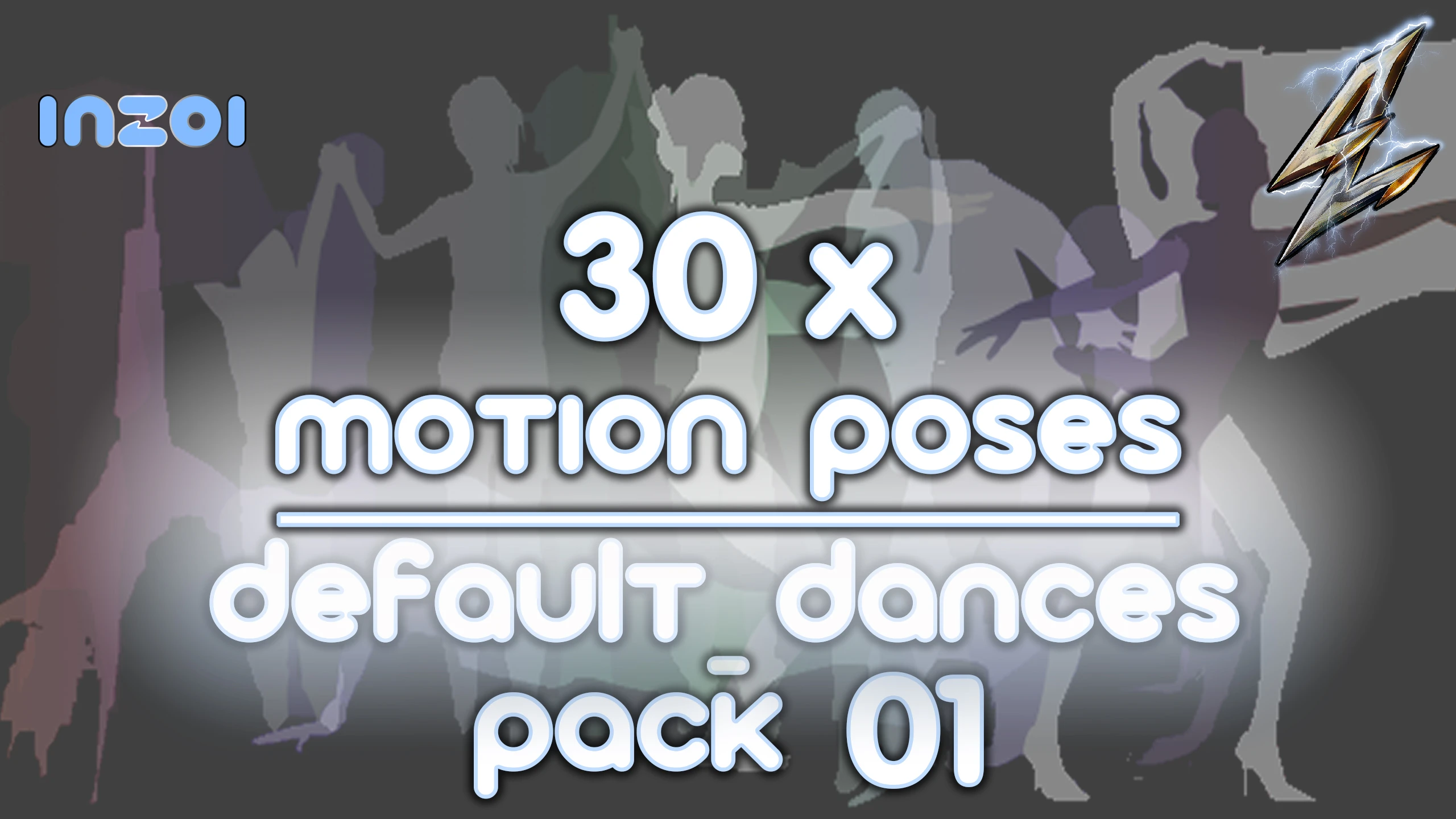
  • 30x Motion Poses - Default-Dances-Pack 01

    Free

     Miscellaneous
    0 Reviews

    File Size: 33.95 MB Downloads: 448


    30x Motion Poses
    Default Dances-Pack 01

    This is a Pack of 30x Motion/Animated Poses - Style: Default

    P R E V I E W :
    https://www.youtube.com/watch?v=BEe2JGIwXrQ

    Install:
    Please backup your existing Custom AI Poses.
    ( C:\Users\******\Documents\inZOI\AIGenerated\MyAIMotions )*

    The game actually only allows 30 max. custom AI Poses & automatically deactivates the [Create Custom Pose]-Button,
    as long as 30 or more custom poses exist in the corresponding 'custom-poses'(*) folder.

    So in case, you have already created custom poses yourself, not all of the downloaded poses will be displayed,
    at least not until you have deleted some of the existing ones.
    ( The game must be restarted to recalculate the - empty spots/new manually added poses! )
    to change that accordingly/correctly.

    Simply unpack the downloaded .zip file into: C:\Users\******\Documents\inZOI

    ___________________________________________

    It's very likely that the poses aren't displayed in the correct numerical order in the character studio,
    but that's only because the creation times were different and I don't really understand the .json time information/value,
    to change that accordingly/correctly.

    ________________________________________________________

    UnInstall:
    Simply delete the Poses, you dont like InGame in the Character Studio.
    30x Motion Poses Default Dances-Pack 01 This is a Pack of 30x Motion/Animated Poses - Style: Default P R E V I E W : https://www.youtube.com/watch?v=BEe2JGIwXrQ Install: Please backup your existing Custom AI Poses. ( C:\Users\******\Documents\inZOI\AIGenerated\MyAIMotions )* The game actually only allows 30 max. custom AI Poses & automatically deactivates the [Create Custom Pose]-Button, as long as 30 or more custom poses exist in the corresponding 'custom-poses'(*) folder. So in case, you have already created custom poses yourself, not all of the downloaded poses will be displayed, at least not until you have deleted some of the existing ones. ( The game must be restarted to recalculate the - empty spots/new manually added poses! ) to change that accordingly/correctly. Simply unpack the downloaded .zip file into: C:\Users\******\Documents\inZOI ___________________________________________ It's very likely that the poses aren't displayed in the correct numerical order in the character studio, but that's only because the creation times were different and I don't really understand the .json time information/value, to change that accordingly/correctly. ________________________________________________________ UnInstall: Simply delete the Poses, you dont like InGame in the Character Studio.
    Version
    1.0.0
    Love
    1
    ·2464 Views