English

The inZOI v0.11.0 Mini Update is now available, bringing major improvements to modding tools, new customization options, Build Mode features, and more natural Zoi behavior. The update also adds new content, improves business management, updates social events, and introduces a collaboration item celebrating the Dinkum x inZOI limited-time bundle on Steam.
📅 Update Information
-
Patch Date: October 15, 2026
-
Windows PC Steam: 20261013.16166.W
-
Mac Steam: 20261013.16167.M
-
Mac App Store: 5.4.83 (0.296.129) / 20261013.16168.M
🛠️ Modding Updates
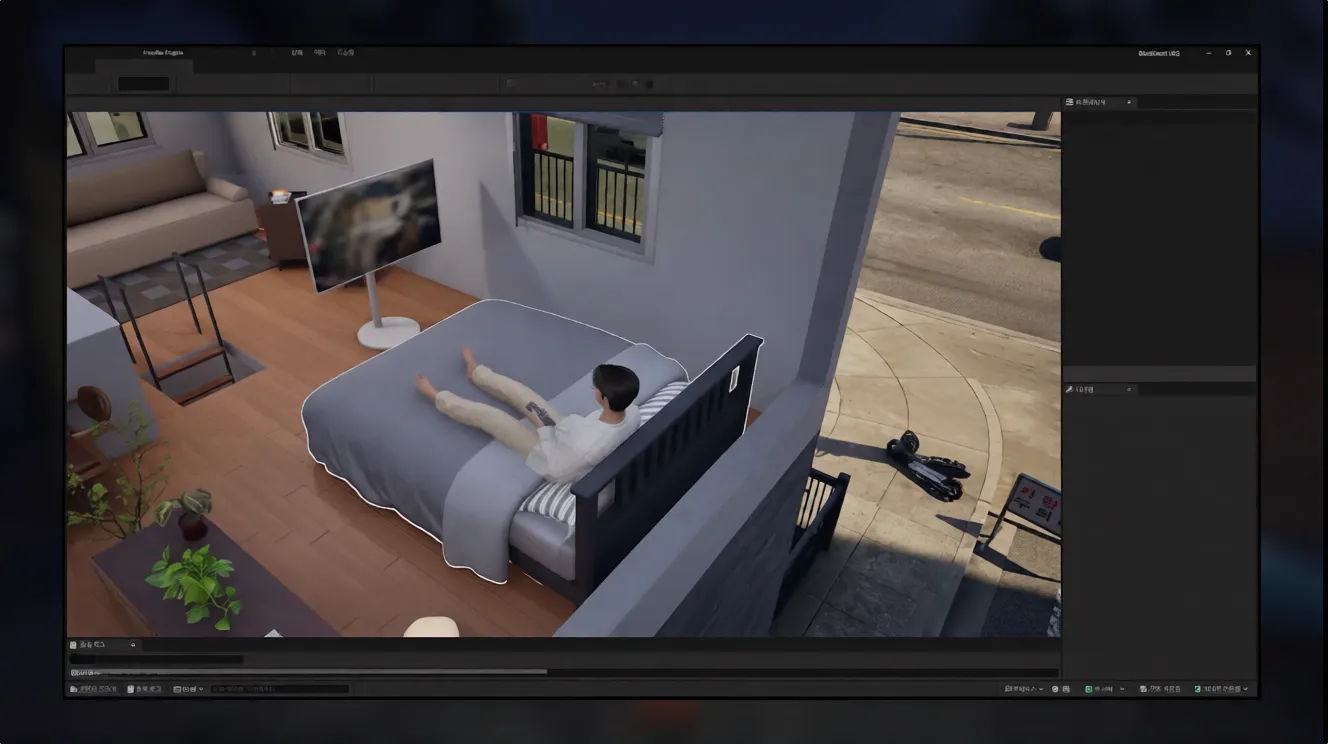
ModKit Improvements
The ModKit receives several important additions, including support for Lua script mods and custom graphics filters.
-
Lua script mod support: Lua scripts can now be added to mods using the new Lua script mod editor.
-
Custom graphics filters: Players can create custom visual filters that can be selected in the game.
-
New sample assets: 6 business display stands, 2 vehicles, and 1 swimming tube.
-
Headwear Wizard: A new wizard has been added for headwear mods.
-
Improved Vehicle Wizard: Parts hierarchy, selection, and editing have been improved. Changing settings and importing meshes are also faster.
-
Build Wizard: The step-by-step wizard interface previously available for vehicles has been added to the Build category.
-
Automatic LOD generation: Importing a character skeletal mesh automatically creates four LOD levels matching the body.
-
Nanite warnings: When importing custom body or head meshes, the ModKit detects Nanite usage and warns about possible transparent material rendering issues.
-
Content Browser shortcuts: A shortcut menu next to the Home button provides quick access to Content Browsers 1–4.
-
Packaging popup: A “Don't show again” option has been added to the sharing information popup displayed when packaging mods.
In-Game Modding Improvements
Mod management and scripting have also been improved.
-
Lua scripting through MCP: Lua script mods can be created with help from an LLM through the in-game MCP. A guide is available in the MCP guide video.
-
New CLI commands: Commands can adjust the maximum number of cars and Zois. They can be entered directly or requested from an LLM in natural language, such as asking to limit the city to 10 Zois. More information is available in the ModKit CLI documentation.
-
Custom mod names: Installed mods can be given custom names from the Mods menu in the main lobby.
-
Overlay UI controls: Overlay UI mods can be enabled or disabled through a dedicated interface.
-
Safer mod management: Changes to mod activation, load order, and other management features reduce the risk of file corruption.
👤 Create a Zoi – New Items and Improvements
The character creator receives new hairstyles, facial hair, makeup, clothing, and accessories, along with several customization improvements.
New Items
-
Hairstyles: 5
-
Facial hair: 3 mustaches and 3 beards
-
Makeup: 3 presets, 1 blush, 1 eyeshadow, and 1 eyeliner
-
Themed outfits: 1 top, 1 outerwear item, and 4 sets
-
Regular outfits: 1 top, 3 outerwear items, 1 set, 5 bottoms, and 3 pairs of shoes
-
Accessories: 5 masks
Improvements
-
Preferences can now be set directly in Create a Zoi.
-
Household relationships can be viewed and relationship levels adjusted in the character creator.
-
Outfit presets have been updated.
-
New poses have been added.
🏡 Build Mode Updates
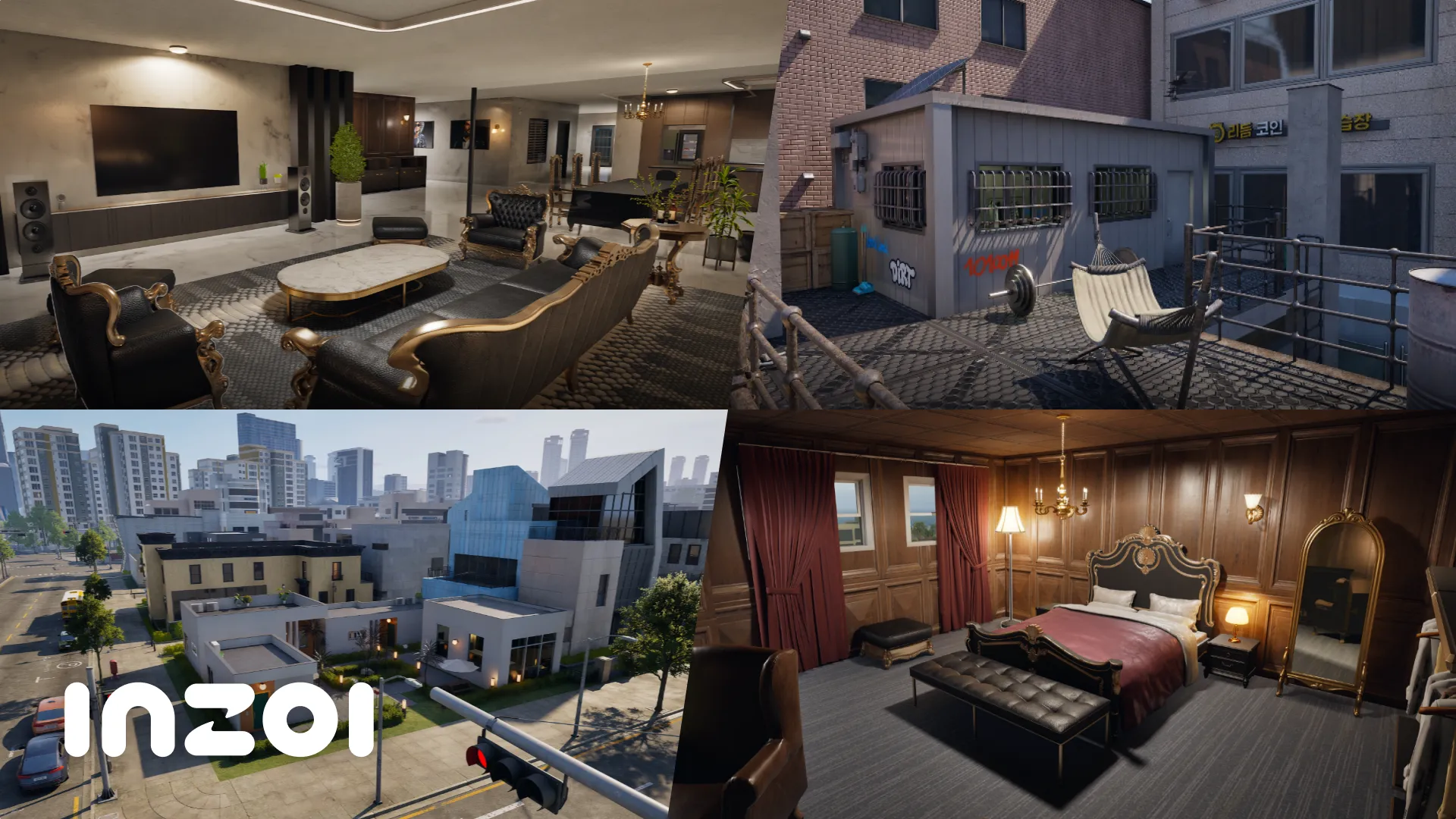
Build Mode introduces more customization options for properties, along with new objects and visual effects.
Improvements
-
Some residential properties in Dowon have been modified.
-
Autonomy plans can now be configured for public properties. These plans affect only Zois who have a schedule at the selected property.
-
Furniture permissions can be configured individually, and preferred activities can be selected for each piece of furniture.
-
Door permissions can be set separately for individual household members.
-
Walls can now be edited on basement floors.
-
Free object positioning and scaling can be enabled using the
EnableFreeEditMode (True/False)cheat.
New Items
-
Interactive objects: 106
-
Build Mode objects: 7
-
Build Mode FX: 124
-
Tile textures: 2
The new Build Mode FX can be found under the WIP category after activating the ShowUserDevCategory cheat.
🎮 Gameplay Updates
Business Management
Managing businesses becomes more convenient with several improvements.
-
Applying the premium restaurant template automatically assigns restaurant-related roles to employees and hires additional staff if positions are unfilled.
-
The current business template can be reset without selling and purchasing the business again.
-
When assigning certain roles, employees with relevant expertise are displayed first.
-
Employees can now be replaced with other Zois without firing them first.
Other Gameplay Changes
-
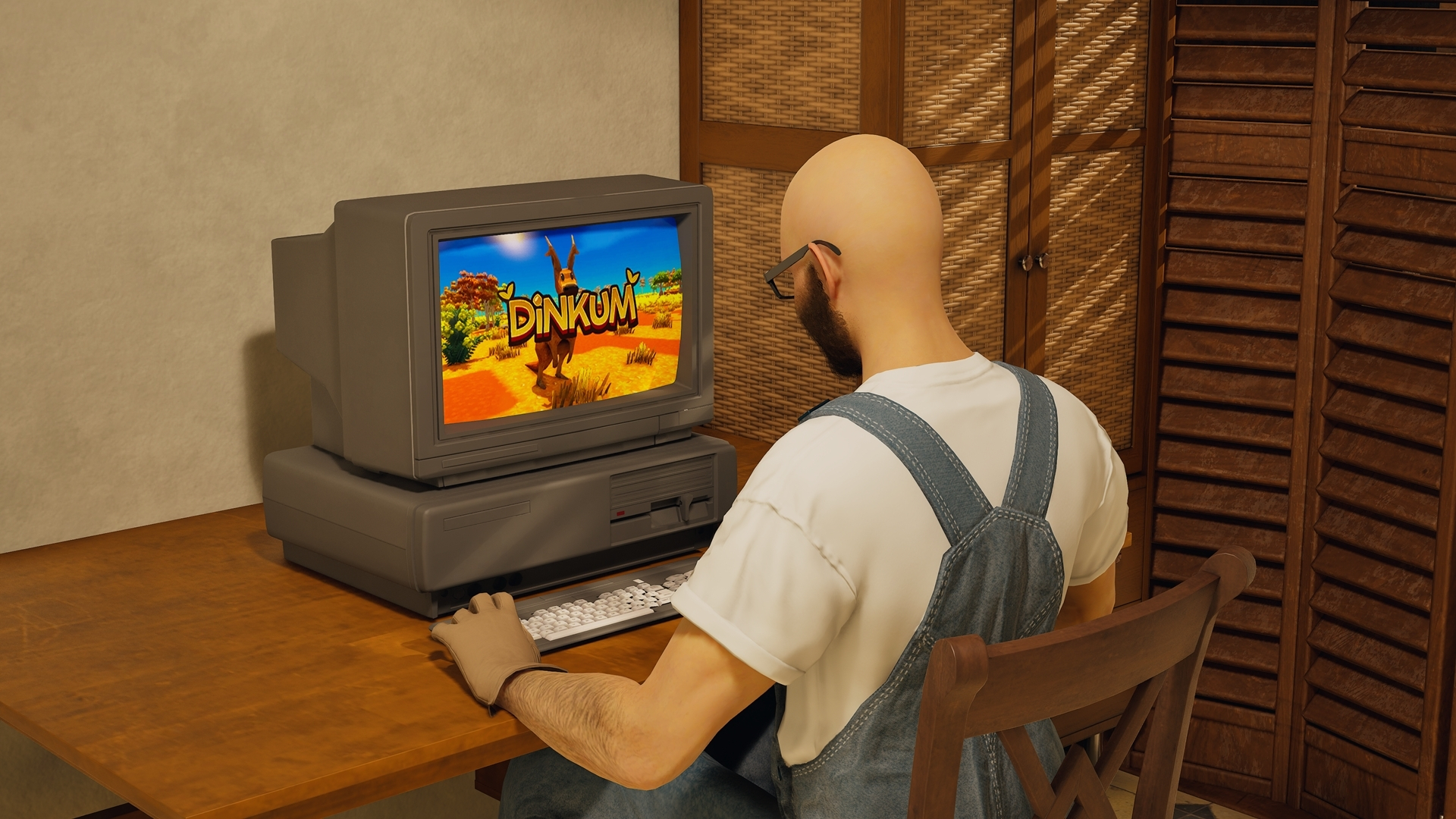
A Dinkum T-shirt and a “Play Dinkum” PC interaction have been added to celebrate the Dinkum x inZOI limited-time bundle on Steam. More information is available in the Dinkum news post.
-
Cheat autocomplete now suggests the complete cheat command while typing.
-
First-person view can now be used while surfing and swimming underwater.
🧠 Simulation Improvements
Interactions
Several interactions have been improved to make Zois look and behave more naturally.
-
Holding hands has been updated. If one Zoi falls behind, the Zoi in front waits for them to catch up.
-
The height of joined hands changes depending on the distance between the two Zois.
-
Zois put away their umbrellas when holding hands.
-
Loading a save with two Zois already holding hands preserves their hand-holding position.
-
Various visual issues related to holding hands have been fixed.
-
Some technical issues remain, including problems when using the interaction at game speeds above 1×.
-
A first aid kit has been added as a Build Mode item. It can be used to treat various diseases. Zois who are not sick cannot take medicine, but Young Adults and older Zois can inspect the kit's contents.
-
Skill experience gains are now displayed as an icon above a Zoi's head.
-
Zois behave more naturally and relax more while bathing.
-
Vehicles no longer appear directly in front of the player's driving path.
Social Events
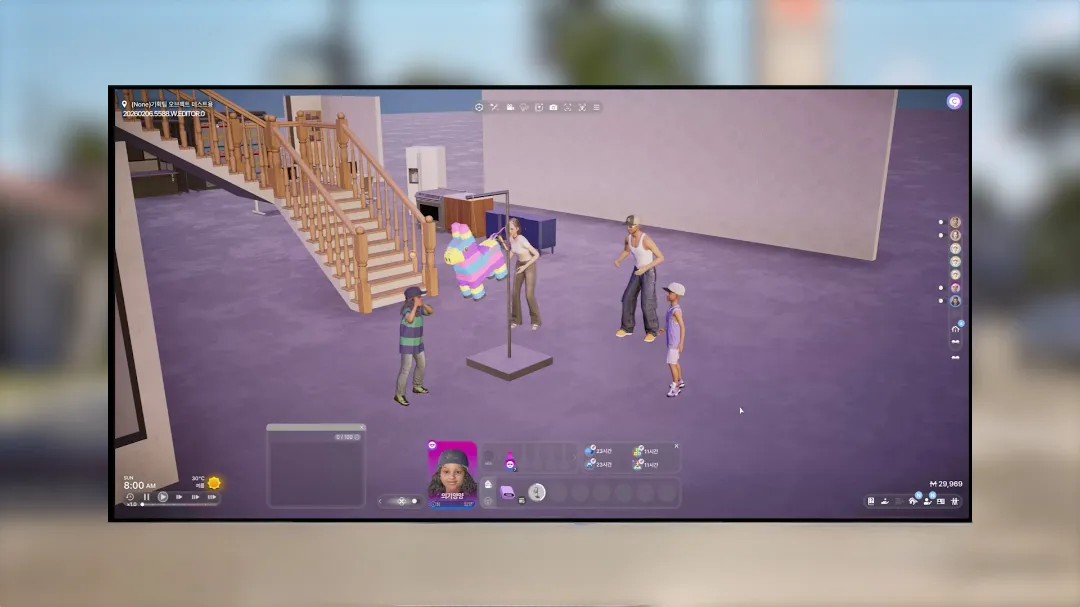
Social events now progress more smoothly.
-
Events begin only after all participants have arrived.
-
Participants move to their assigned locations instead of waiting together at the entrance.
-
Parties progress faster than before.
-
Zois attending important events or player-organized events no longer leave during the event.
-
During player-organized events, the controlled Zoi can help if a fire breaks out.
NPC Improvements
Unique NPC households have received updated descriptions and more fitting appearances, traits, characteristics, skills, and ambitions for their members.
-
Relationship logs and milestones now provide more detailed explanations of relationships between household members.
-
Existing saves: Loading a previous save updates household photos and descriptions only. The remaining NPC changes require a new save file.
-
Taking a new household photo in an existing save may replace the updated photo with one showing the NPCs' previous appearances.
-
Editing household descriptions will be added in a future update.
Smarter Zoi Autonomy
Zois are becoming more independent and responsive to their surroundings.
-
Zois can autonomously visit other households and take part in activities that better suit the location.
-
If a visitor is not welcome, the homeowner can ask them to leave.
-
After reaching a destination, Zois now enter the property.
-
Zois initiate conversations that better match their relationships and current emotions.
-
Zois who recognize each other greet one another automatically.
-
When several objects of the same type are available, Zois choose the one closest to them.
🎨 Canvas Updates
Canvas now supports additional customization settings when uploading creations.
-
Selected preferences are applied when uploading a Zoi preset.
-
Configured autonomy plans are applied when uploading a property preset.
📌 Summary
The inZOI v0.11.0 Mini Update focuses heavily on expanding modding capabilities, with Lua script mods, custom graphics filters, and improved ModKit wizards. It also adds new Create a Zoi items, more flexible Build Mode settings, improved business management, first-person swimming and surfing, and more natural NPC behavior.
The update brings several quality-of-life improvements for creators and players alike, while continuing to refine the game's simulation systems.